




CHILDREN OF FALLEN HEROES · NEXT GEN
Robotics, coding, engineering, science, and art resources for parents, caregivers, educators, and adult learners choosing their next project.
Affiliate disclosure: As an Amazon Associate I earn from qualifying purchases. Children of Fallen Heroes may receive a commission when you purchase through these Amazon links, at no additional cost to you.
Explore 12 starting points across different interests and experience levels. The learning prompts are ideas for adults to adapt. These editorial selections are based on manufacturer information; they have not been independently tested by CFH.
Choose by readiness, not just age. Follow manufacturer age guidance and instructions. Check model, included parts, batteries, software, device compatibility, and supervision needs. Small parts may be unsuitable for younger children.
Shopping buttons open Amazon search results for the named product. Compare current listings and confirm the model, seller, price, and availability before purchasing.
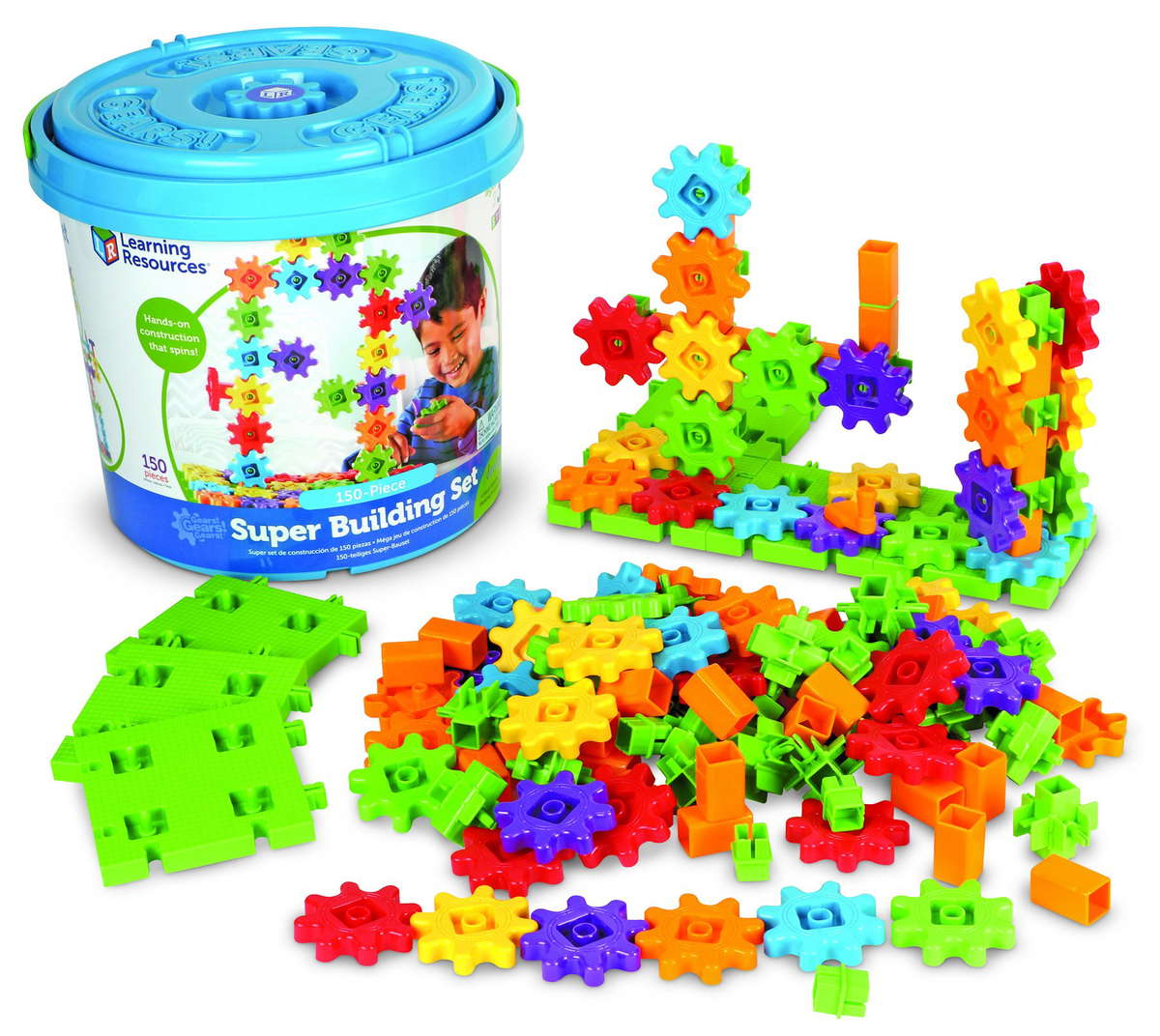
Explore how connected gears transfer motion. A useful starting point for adults introducing building, patterns, and cause and effect.
Try together: Build two connected gear trains and ask the learner to predict which direction the final gear will turn.
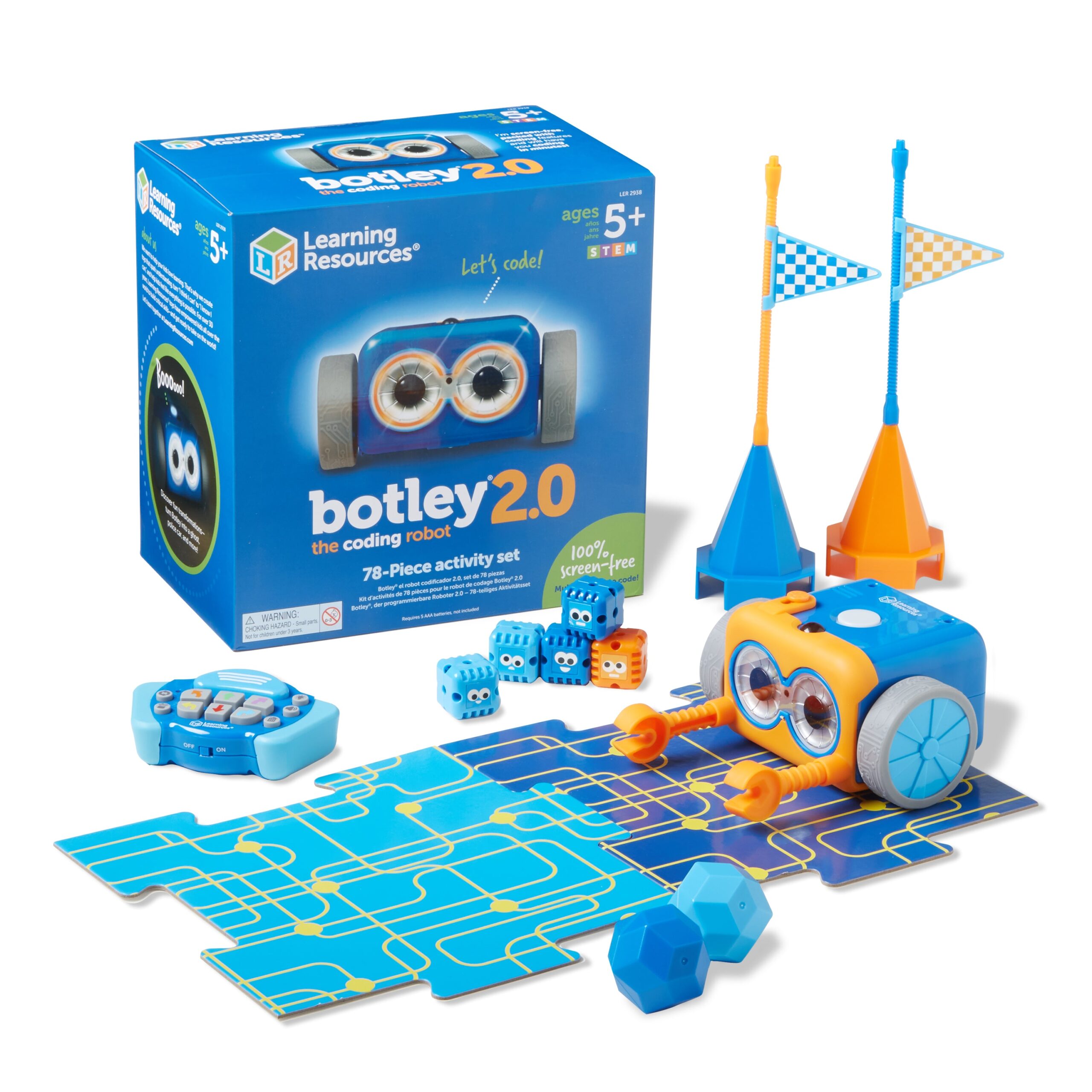
Introduce sequences and problem solving through screen-free robot coding.
Try together: Create a short obstacle course, plan the commands, then change one instruction and compare the result.
Introduce electronics with snap-together components and guided circuit activities.
Try together: Build a working circuit, then use the manual to identify the power source, switch, and output.
Explore a broader set of electronic circuits through hands-on assembly.
Try together: Keep a notebook of one successful circuit and one change that stopped it working. Explain the difference.
Explore movement and coding with a small programmable robot ball. A compatible device and app are needed.
Try together: Design a tabletop route and test how speed and timing affect where the robot finishes.
Connect coding with drawing as a robot follows programmed instructions.
Try together: Plan a geometric drawing, code it, and compare the planned angles with the result.
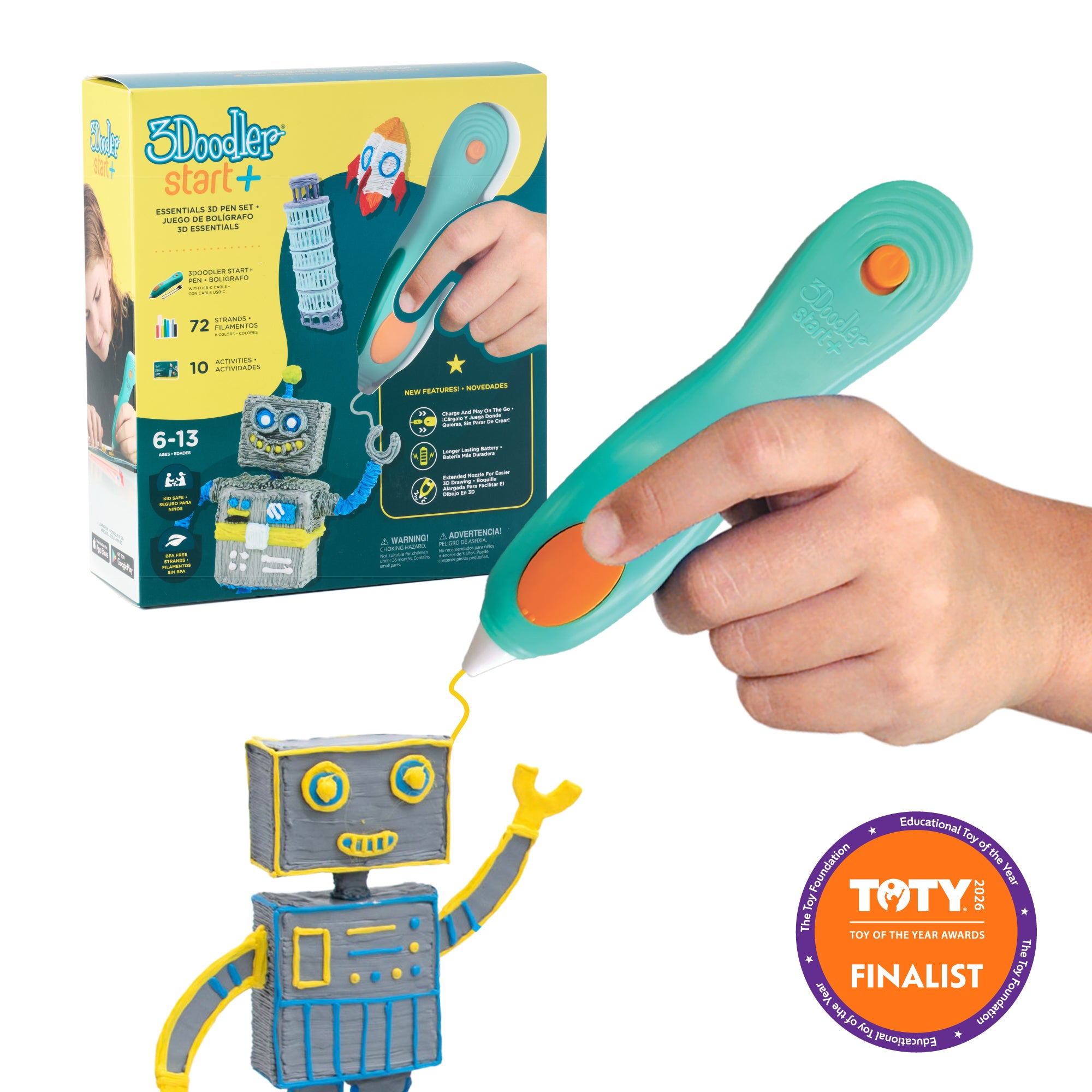
Explore three-dimensional design with a beginner-focused 3D pen. Check the required Start+ filament before purchasing refills.
Try together: Sketch a simple structure on paper, then build a three-dimensional version and discuss what makes it stable.
Explore robot programming with a buildable educational robot. Check the current software and device requirements.
Try together: Program a repeatable movement challenge and improve the instructions after each trial.
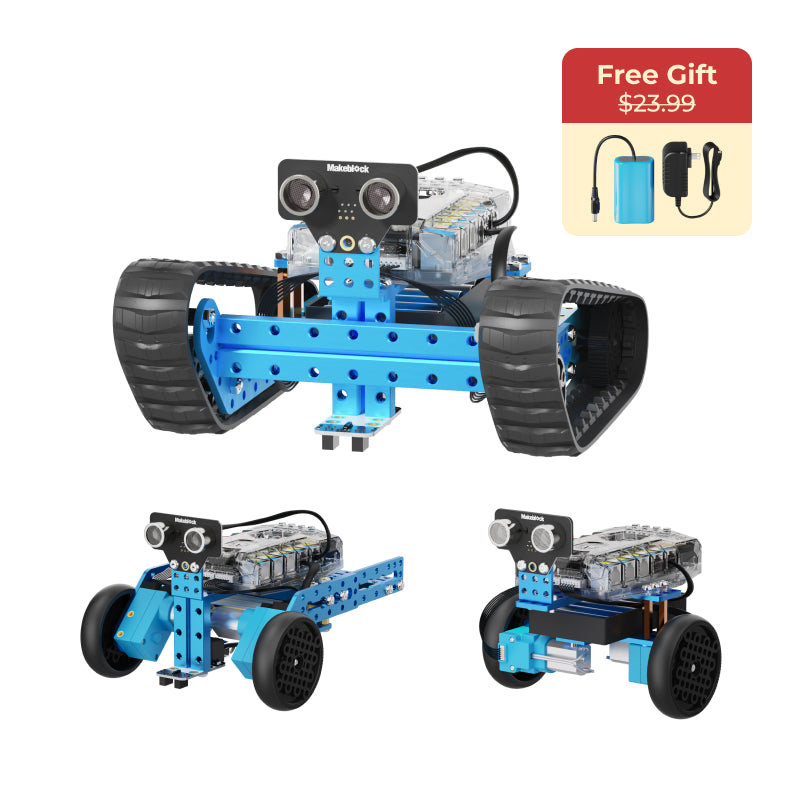
Explore mechanical design and programming with a three-in-one robot building kit.
Try together: Compare two builds and record how each handles the same route or balance challenge.
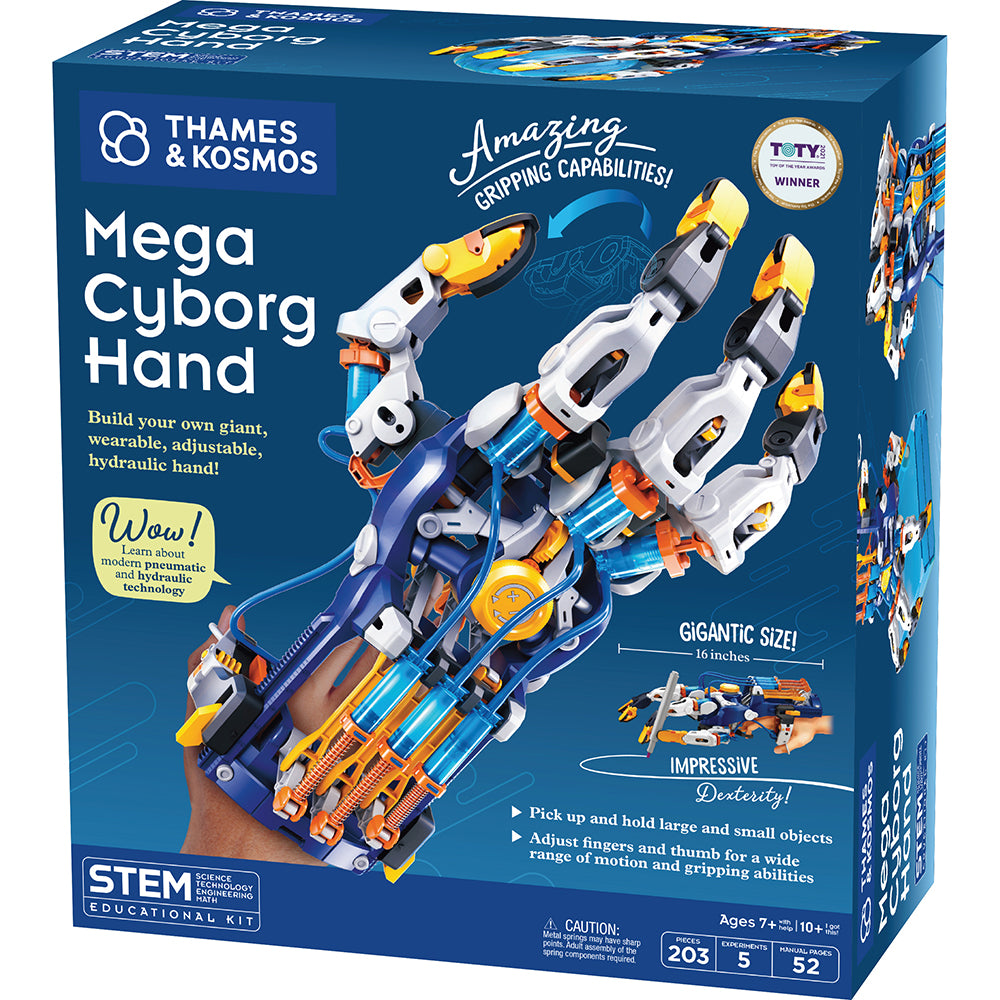
Explore hydraulic movement by assembling a mechanical hand.
Try together: Compare the movement of a finger with the movement of its hydraulic mechanism, then describe how force is transferred.
Build electronics and programming skills through guided projects around an UNO R4 WiFi board. A computer is required.
Try together: Work through a guided project, then change one input or output and document what happens.
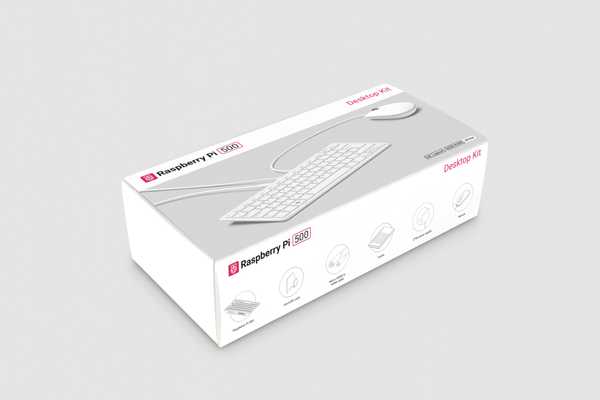
Explore computing and coding with a computer built into a keyboard. Check the bundle contents and display requirements.
Try together: Set up a coding workspace, then create a small interactive project and explain it to another learner.
Start with one question, build something, test it, and talk about what changed. The goal is curiosity and confidence—not buying the most expensive kit.
Explore CFH programs → · Shop CFH Apparel →
All shopping collections →
Product brands belong to their respective owners. Inclusion does not imply sponsorship or partnership. Purchases and customer service are handled on Amazon. Research reviewed October 14, 2026.